The Bigger-Is-Better Screen Myth
The bigger-is-better screen myth can lead to a display that overwhelms its room. Match screen size to viewing distance, content and daily use.
The most common mistake behind the bigger-is-better screen myth is choosing a display before deciding where people will sit. The cost is not simply a screen that dominates a room: text can feel uncomfortable to scan, moving images can demand too much attention, and the display may be awkward for the tasks it was meant to serve. Size matters, but only in relation to distance, content and context.
A useful choice starts with the actual viewing situation. A large screen can make small details easier to notice from across a room, yet it can also fill the viewer’s field of view with movement and brightness. A smaller display may suit close reading or a shared space where the screen should remain one part of the room rather than its focal point.
Start with viewing distance
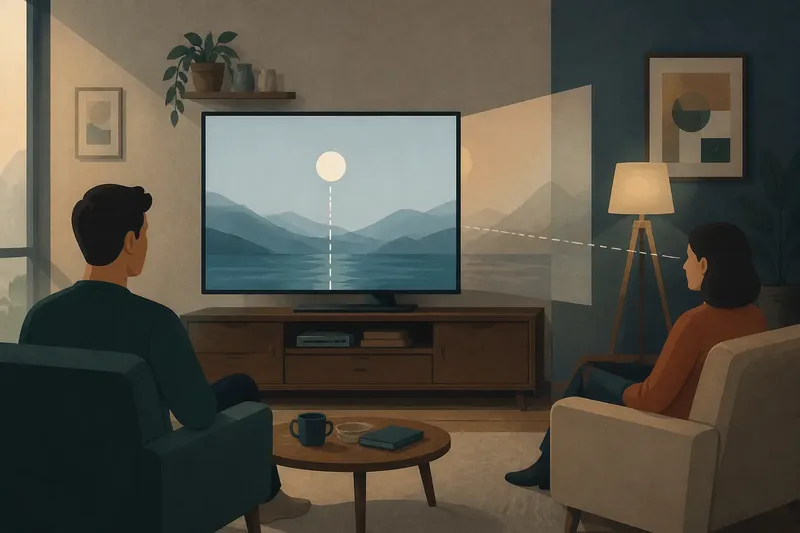
Viewing distance is the space between the viewer’s usual position and the display. It changes how large the image appears, so a screen that feels modest across a living room might feel imposing at a desk. Think about the seat or workstation people use most, not a position they occupy only occasionally.
If viewers sit far away, a larger display can make faces, labels and interface elements easier to distinguish. If they sit close, the same screen may require frequent eye or head movement to take in different parts of the image. The right fit is the one that lets viewers attend to the content without repeatedly shifting position.
Say you are choosing a screen for a narrow study where the chair sits close to the desk. A particularly large display could make a document feel spread across the viewer’s field of view. A more moderate screen, positioned so the whole page is easy to scan, may make reading and editing feel calmer.
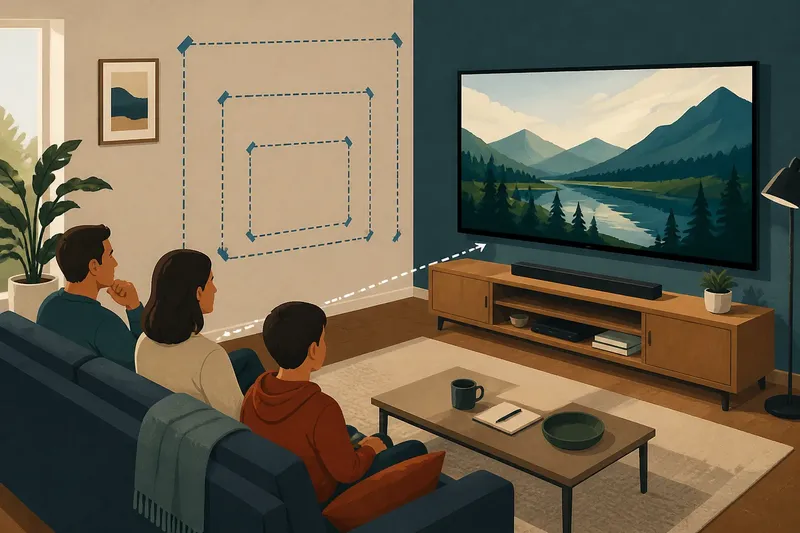
Before comparing models, sit in the intended place and mark the likely screen position with a piece of paper or removable tape. This gives you a rough sense of scale without relying on a product image.
Match the content
Different content asks the viewer to look in different ways. Films and games often use large images, motion and carefully composed scenes. A bigger display can make those elements more prominent, especially when several people watch together. It can also make busy scenes feel more demanding if the viewer is close.
Documents, spreadsheets and web pages have another priority: readable detail across a usable working area. A larger display can show more material at once, but only if the text remains comfortable to read and the interface does not force the viewer to scan an unwieldy expanse. Screen size alone does not make small text clearer. Text scaling, resolution, layout and viewing distance all contribute.
For a kitchen screen showing recipes, timers and short clips, ask which task takes priority. A compact display may be easier to glance at while preparing food, while a larger one may suit a room where several people gather to watch. The best choice follows the main use, not the longest feature list.
When content changes often, consider how it will appear in each common use. A display intended for films, video calls and reading should be judged against all three, rather than optimised for the most visually dramatic one.
Choose by situation
For a shared living room?
Choose a size that suits the usual seating positions and lets people watch together without the display overwhelming the room. If viewers sit at different distances, consider the nearest regular seat as well as the farthest one.
For a desk used for reading?
Prioritise comfortable text, a clear working area and a viewing position that does not make the viewer sweep their gaze across the display. A very large screen is useful only if its added space supports the work rather than spreading it beyond easy scanning.
For a room used in several ways?
Choose a display that remains comfortable for the most frequent activity, then check that occasional uses still work. A screen for both films and video calls should not be so large at close range that a face or interface feels difficult to take in.
For a screen meant to fade into the room?
A more restrained size may fit better when the display is used briefly or should not dominate the space. Consider how much visual attention it claims when off as well as when showing content.
These situations point to a simple decision: start with where and how people watch, then compare display sizes that suit those conditions.
Consider the room
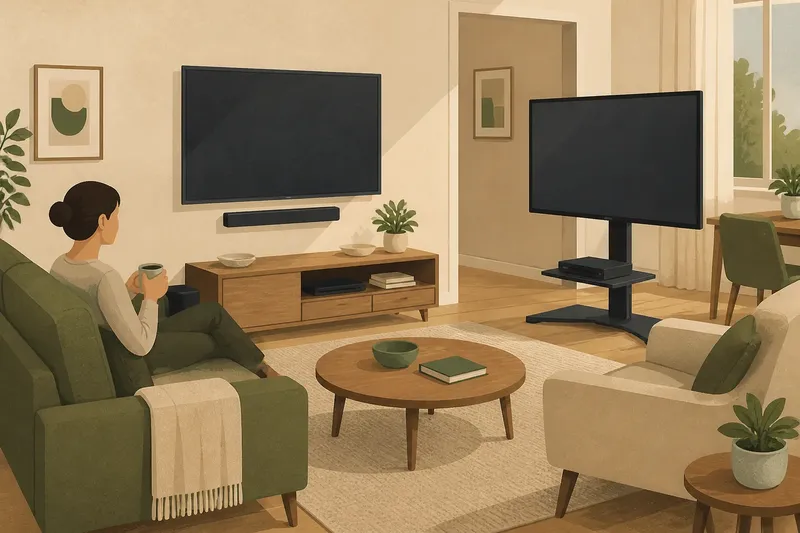
A display does not occupy an empty box. It shares space with furniture, windows, lamps, shelves and the people moving through the room. A large screen can crowd a small wall or compete with other visual features. In a spacious room, a smaller screen may feel disconnected from the seating area.
Think about the screen’s visual weight, not just its outline. A dark display can draw the eye even when turned off. A bright, animated image can become the room’s main focus, which may be welcome for a film but distracting during conversation or a meal.
Room use matters, too. A screen in a family room may need to serve several viewers and activities. In a bedroom or shared workspace, the same degree of prominence may not fit the routine. If the display is often used for quick checks, a very large image can make each glance feel like an invitation to stop and watch.
Mock up the proposed screen area with paper or painter’s tape, then view it from the ordinary seats and walking paths. Notice whether the display feels balanced with its surroundings and whether anyone has to turn or shift to use it.
Separate size from clarity
Screen size describes the display’s physical image area. Clarity describes how easily the viewer can distinguish what appears on it. These are related, but they are not interchangeable. A larger screen can make an image more prominent without making its text, edges or details clearer.
Resolution is the amount of image detail a display can show. Text size and interface scaling determine how large on-screen elements appear. The content itself matters as well: a poorly designed page can remain hard to follow on a large display, while a well-spaced layout can be comfortable on a smaller one.
For close-up work, check whether the interface can be adjusted to suit the viewer. For video, consider whether the image looks clear from the actual seat. A screen that looks impressive in a showroom may feel different in a room with different lighting, seating and content.
Product labels and manufacturer guidance can help compare resolution, supported formats and suitable use. Treat those details as part of the decision, not substitutes for checking how the display fits your own viewing position.
Balance attention and comfort
A large display can hold attention because more of the viewer’s field of view is occupied by the image. That can suit an immersive film or a presentation where the screen is meant to command focus. It can be less suitable when viewers need to move their attention between the display and other people, notes or objects in the room.
Comfort is personal, so consider the people who will use the screen. Some prefer prominent images and larger interface elements; others find a close, expansive display tiring to scan. If several people share the screen, choose for the most common viewing arrangement rather than the preference of someone who uses it alone.
Also account for the routine around viewing. A screen used for occasional reference may benefit from being easy to glance at without becoming the room’s centre of attention. A screen reserved for shared entertainment can reasonably take a more prominent role. The bigger-is-better screen myth loses force once the intended level of attention is clear.
Make the final choice
Before settling on a size, work through these checks:
- Usual seat: Where do viewers normally sit, and how close is that position to the screen?
- Nearest viewer: Will anyone use the display from a much closer position than the main seat?
- Main content: Is the priority films, reading, video calls, games or a mix?
- Shared use: Must people in different seats see and follow the same image?
- Room role: Should the display be a focal point, or should it blend into other activities?
- Text and detail: Can viewers read the interface comfortably at the expected distance?
- Visual fit: Does the screen feel balanced beside the furniture and other features?
If the answers pull in different directions, give priority to the most frequent use and the usual viewing position. Then check that occasional tasks remain workable. This is more useful than choosing the largest screen that can fit on a wall or stand.
The bigger-is-better screen myth is tempting because size is easy to compare. But the more useful question is whether a display makes its content easy to see at the distance and in the setting where it will actually be used. Choose for that relationship, and a screen can feel clear and engaging without taking over more space or attention than the room calls for.